Pay over 130 government fees with bKash
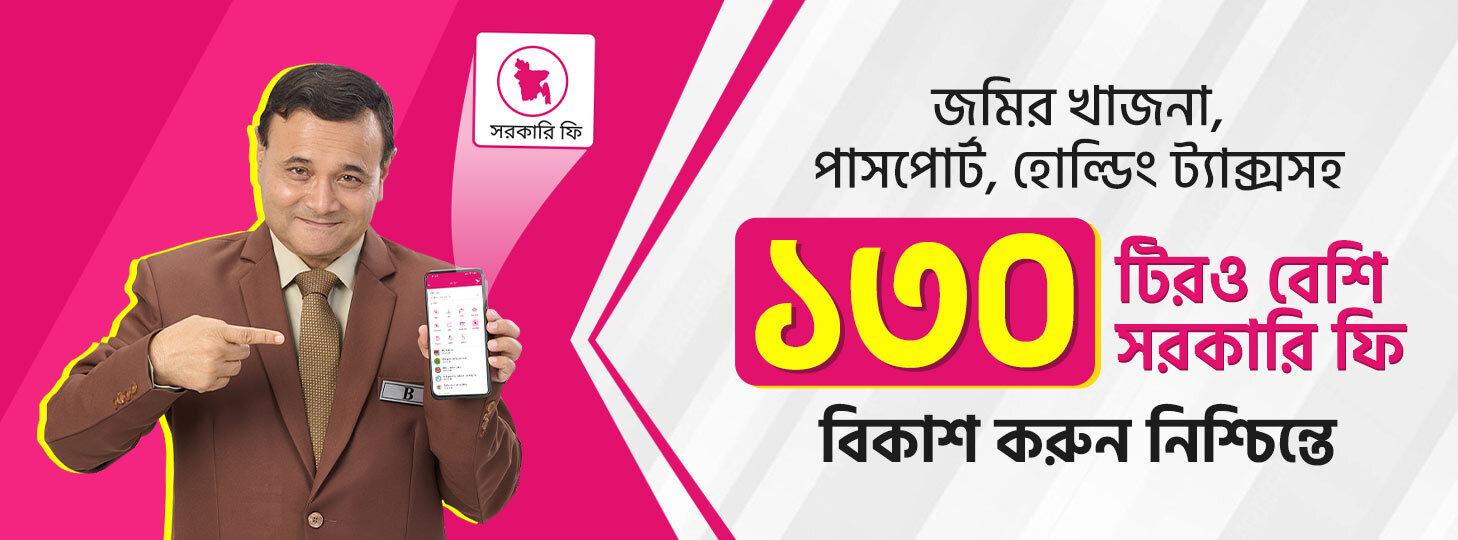
Pay Over 130 Government Fees Like Land Tax, E-Namjari, E-Porcha, Passport & Holding Tax Worry-Free with bKash!
Pay over 130 government fees anytime, anywhere with ease. bKash customers can now directly pay Land Tax and E-Namjari fees through the Ministry of Land website or the bKash app easily and worry-free. Customers can also pay over 130 other government fees instantly without any hassle, including E-Porcha, Holding Tax, Passport, NID, Birth Registration, Police Clearance, Personal Income Tax and Travel Tax.
How to pay any land-related fees, including Land Development Tax with bKash -
From the Ministry of Land’s website -
> Visit the Ministry of Land’s website (https://land.gov.bd )
> Select an E-Namjari fee or Land Development (LD) Tax from the list
> Fill in the required information and then choose bKash as the payment method to pay the fee effortlessly
> And receive the digital receipt instantly as proof
With the bKash App -
> Tap on Pay Bill from the bKash app home screen
> Select Govt. Fee and then select E-Mutation (Namjari) fee or Land Development (LD) Tax
> Fill in the required information and pay the fee through bKash effortlessly
> And receive the digital receipt instantly as proof
How to pay more than 130 government fees, including passport, NID and more with bKash -
> Visit the Automated Challan System website https://ibas.finance.gov.bd/acs/account/login?ReturnUrl=%2Facs%2Fhome
> Go to the website and log in by registering with your personal information, or log in without registration
> Select the service fee you want to deposit
> Proceed to the next step by providing the required information
> Go to Payment Option and select Mobile Banking
> Select bKash from the list
> After filling in all the information correctly, tap on the 'Save' button to pay the fee worry-free with bKash
> And get the digital challan form instantly
FAQ
- Where can customers get the Land Development Tax service?
- Customers will get the Land Development (LD) Tax service by going to “Pay Bill”, tapping on “Govt. Fee”, and selecting “Land Development (LD) Tax”.
- Will the Land Development Tax service be available for both the bKash app and *247#?
- Customers can pay the Land Development Tax (land tax) through the Payment Gateway on the bKash app or the Ministry of Land’s website (https://land.gov.bd/).
- What do the customers need to know to pay land tax through the bKash app?
- Customer Payment Token Number is required to pay Land Development Tax (Land Tax) using the bKash app.
- How can customers get the Payment Token?
- Customers can get the Payment Token in two ways -
- After successful registration by visiting the https://ldtax.gov.bd/ website, enter the holding information of the particular land office customer. From there, customers will get the Payment Token Number by looking at the holding details.
- Additionally, the customer can call the Land Ministry’s hotline: 16122, provide their holding details, and receive the payment token number from a call center representative.
- How will customers know if their Land Development Tax transaction has been successful?
- Customers will get confirmation SMS, app notification, and digital receipt as proof of payment of Land Development Tax, subject to a successful transaction.
- What is the next step for customers after paying the LD Tax with bKash?
- After successfully paying the Land Development Tax, customers will get their transaction receipt on the website’s “Filing” section within 72 hours and confirm the successful transaction.
- What to do if customers do not receive the submission within 72 hours?
- If the submission is not received within 72 hours, customers should contact the selected land office in their area or contact the Ministry of Land’s hotline number: 16122.
- What is the charge for LD tax service?
- The charge for this service is 1% or a maximum of BDT 30.
- How can customers pay the fee through bKash using the Automated Challan System?
- To use the Automated Challan System (ACS), customers should visit the website https://ibas.finance.gov.bd/acs/account/login?ReturnUrl=%2Facs%2Fhome. Customers can register with their personal information by visiting the website, or log in without registration. Then customers can select bKash as the payment method, enter the required information, and complete the payment for the specified fee easily.
- Do customers need to register or log in to pay the fee in the Automated Challan System?
- Customers can either register with their information or log in directly without registration and pay the fee in minutes.
- How can customers select bKash as a payment option?
- While paying the fee, customers can go to the Payment selection option, select 'Mobile Banking', and choose bKash. Then pay the fee easily with bKash.
- How will customers know if their transaction was successful or not?
- After paying the fee, customers will get a digital invoice form for the bill, which can be saved as proof.
- What should customers do if there is a problem with the payment process?
- Customers can dial 16247, or contact the bKash Customer Care Center, bKash Customer Care, Facebook Page, Web Chat (Live Chat Service), or email at [email protected].
- How much charge is applicable for the Automated Challan System service?
- The charge for this service is 1% or a maximum of BDT 30.
- Will the Automated Challan System service be available for both the bKash app and *247#?
- No, this service is only available through the website. Customers can visit the website https://ibas.finance.gov.bd/acs/general/sales#/home/dashboard to pay the fee.