Automatic Toll Payment
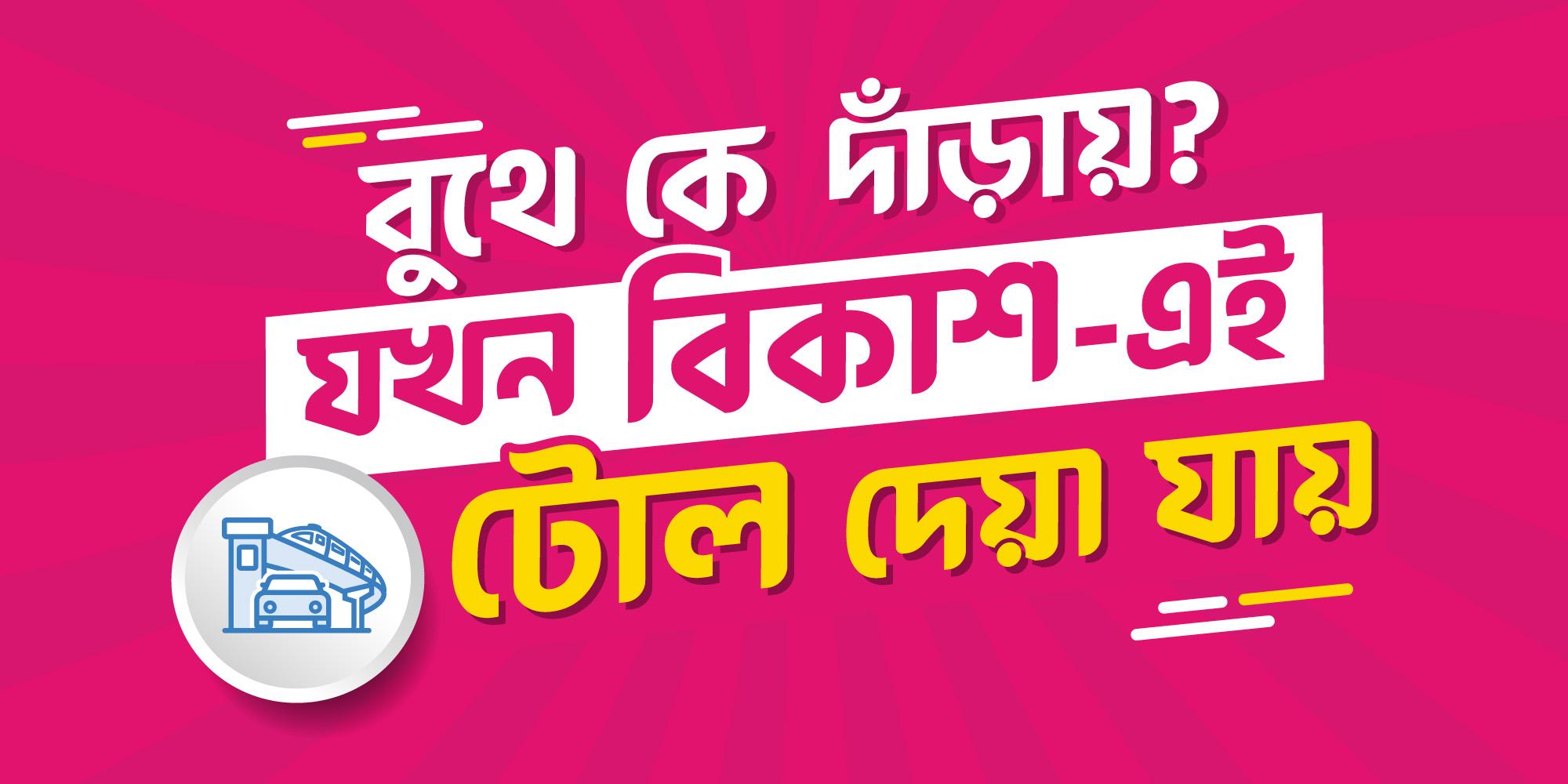
Register your car in the bKash App and pay tolls easily!
No more hassle at toll booths, bKash makes it simple. Just register your car in the bKash Toll option and enjoy smooth, uninterrupted travel with automatic payments.
How to Register Your Vehicle from the bKash App
- From the bKash App home screen, select Toll
- Select Register Vehicle
- Enter the required information and tap Proceed
- Enter your bKash PIN
- Once registration is successful, you will receive a confirmation message
You can pay tolls automatically via bKash at the following bridges and toll plazas:
FAQ
- Which channel can customers use to pay tolls via bKash?
– Currently, customers can pay toll fees only through the bKash customer App. - Can tolls be paid via bKash by dialing *247#?
– No. Customers cannot pay toll fees by dialing *247# or through any method other than the bKash App. - Where can customers find the ‘bKash Toll’ service?
– Customers can find the ‘bKash Toll’ service on the home screen of the bKash customer app along with other main services. - How can customers use ‘bKash Toll’?
– To use bKash Toll, customers must first register their vehicle in the app. - What types of vehicles can be registered to use ‘bKash Toll’?
– Customers can register Sedan, Private Car, SUV, and MPV (Microbus) type vehicles. - Can customers register motorbikes/motorcycles for bKash Toll?
– No, motorbikes/motorcycles cannot be registered for bKash Toll at this time. - Which BRTA serial numbers are accepted for bKash Toll registration?
– The following BRTA serial numbers are accepted:
- KA
- KHA
- GA
- GHA
- CHA
- CAA
- BHA
- ZA
- RA
- THA
- JA
- JHA
- BA
- MA
- SHA
- AU
- U
- NA
- DA
- TA
- How many vehicles can a customer register in bKash Toll
– Currently, a customer can register up to 20 vehicles.
- What information is required to register a vehicle
– To register a vehicle, customers must provide:
a) Vehicle serial number
b) Vehicle chassis number
- Can customers cancel vehicle registration if they no longer want to use bKash Toll?
– Yes. Customers can cancel vehicle registration from the Toll option in the bKash app menu. They can view registered vehicles, tap on the vehicle they want to remove, and use the ‘Delete’ button on the details screen.
- What happens at the toll plaza once a vehicle is registered?
– During registration, customers complete PIN verification and agree to bKash’s terms and conditions. As a result, toll fees are automatically deducted from the customer’s bKash account without any direct interaction. When the vehicle crosses a toll plaza, the required toll fee is deducted automatically, allowing the customer to pass without using their phone.
- What should a customer do if they receive a ‘Re-register’ notification repeatedly?
– Repeated ‘Re-register’ notifications mean the vehicle (or account) is already registered with another mobile financial service for toll payment. To use bKash Toll, the customer must first cancel the vehicle registration from that service and then tap ‘Reapply’ in the bKash Toll section.
- Which bridges/toll plazas support bKash Toll?
– Currently, bKash Toll is available at the following locations:
- Shahid Mayez Uddin Bridge Narsingdi.
- Meghna-Gomoti Bridge (Meghna Toll Plaza) Narayanganj.
- Meghna-Gomoti Bridge (Gomoti Toll Plaza) Narayanganj.
- 3RD Shitolokha Bridge Narayanganj. (Bir Muktijoddha AKM Nasim Osman Bridge).
- Sayed Nazrul Islam Bridge (Bhairab Bridge) Bhairab.
- Charsindur Toll Plaza Narsingdi.
- Madhumati Bridge Toll Plaza (Kalna Bridge) Kalna.
- Karnaphuli Bridge Toll Plaza (Shah Amanat (RA) Bridge) Chottogram.
- Rupsha Toll Plaza (Khan Jahan Ali Bridge) Khulna.
- Paksey Toll Plaza (Lalon Shah Bridge) Kushtia.
- Atrai Toll Plaza (Hatikamrul- Banpara New Road) Natore.
- HZ Shahparan Bridge Toll Plaza Sylhet.
- Paira Bridge Toll Plaza (Lebukhali Bridge) Barisal- Patuakhali RD.
- 8th Bangladesh-China Friendship Bridge (Bekutia Bridge) Pirojpur.
Customers will be notified in the bKash app if new bridges or toll plazas are added.
- Can customers disable the ‘Auto Deduct/Debit’ feature while crossing toll plazas?
– No, the ‘Auto Deduct/Debit’ feature cannot be disabled. - What should a customer do if toll fees are deducted but the toll officer claims payment was not made?
– Customers can show the transaction ID, statement, and app notification from the bKash app to the toll officer. If the issue is not resolved, customers are advised to call 16247. - Where can customers view their payment footprint?
– Customers can view their payment footprint in the ‘Statement’ feature of the bKash app. - Can customers pay toll fees for others from their bKash account?
– The vehicle must be registered under the customer’s bKash account. If a vehicle is registered with the customer’s bKash Toll service, toll fees will be deducted from that account whenever the vehicle crosses a toll plaza. - What happens if there is insufficient balance in the bKash account during auto-deduction?
– If there is insufficient balance at the time of crossing, the transaction will fail. The customer must then pay the toll using other payment methods provided by the toll plaza. - Will the account be charged later if auto-deduction fails due to insufficient balance?
– No. If auto-deduction fails once due to insufficient balance, the account will not be charged later even after balance is topped up. - What happens if a customer sells their vehicle? Will toll fees still be charged?
– Yes. Until the vehicle registration is cancelled from the bKash Toll service, toll fees for that vehicle will continue to be charged to the customer’s bKash account. - Do I need to be physically present for crossing the RFID toll booth?
- The money will be debited from active bKash account only when the car passes RFID toll plaza, bind account owner doesn’t need to be present in the car
- Is active internet connection required?
- bKash account needs to be active, internet connection is not required
- How does direct debit Toll service work?
- When a bKash toll registered car passes through the RFID toll plaza, the toll amount will be deducted from account balance automatically.
- What if a customer doesn’t have enough account balance?
The boom barrier will not lift up automatically, the customer will have to pay the amount to designated toll plaza employee.
25. When will customers receive SMS and notifications for the bKash Toll service?
- Customers will receive SMS and push notifications at the following times:
|
Event |
SMS |
Push Notification |
|
Vehicle registration |
Yes |
Yes |
|
After payment (transaction successful) |
Yes |
Yes |
|
After payment (transaction failed) |
No |
Yes |